Best Invoice Generator Tools in 2026 (Free + Paid)
If you bill clients for your work, you already know the pain: spreadsheets that break, Word templates that never line up, and PDFs you edit by hand at 11 p.m.
More freelancers, agencies, consultants, and small businesses are skipping that mess and using invoice generators instead. The good ones let you create an invoice, add GST where you need it, send a quote, download a PDF, and keep a record of what you sent, without turning billing into a second job.
Below is a straight comparison of popular tools in 2026, and who each one is actually for.
Why manual invoicing falls apart
Doing invoices by hand sounds fine until it isn't. Totals get wrong. You retype the same client details. Old invoices are hard to find. Every invoice looks a little different, which doesn't help when you're chasing payment.
A solid invoice generator pulls creation, quotes, GST lines, client details, and PDF export into one place. You spend less time fixing paperwork and more time doing the work you bill for.
Top invoice generator tools in 2026
1. EasyGoInvoice (best for fast, private invoicing)
Good fit for: Freelancers, consultants, startups, and small businesses who want to invoice now, not after a signup flow.
EasyGoInvoice runs in the browser. You open it, fill in the invoice, and download a PDF. There is no account to create and no login wall before your first invoice.
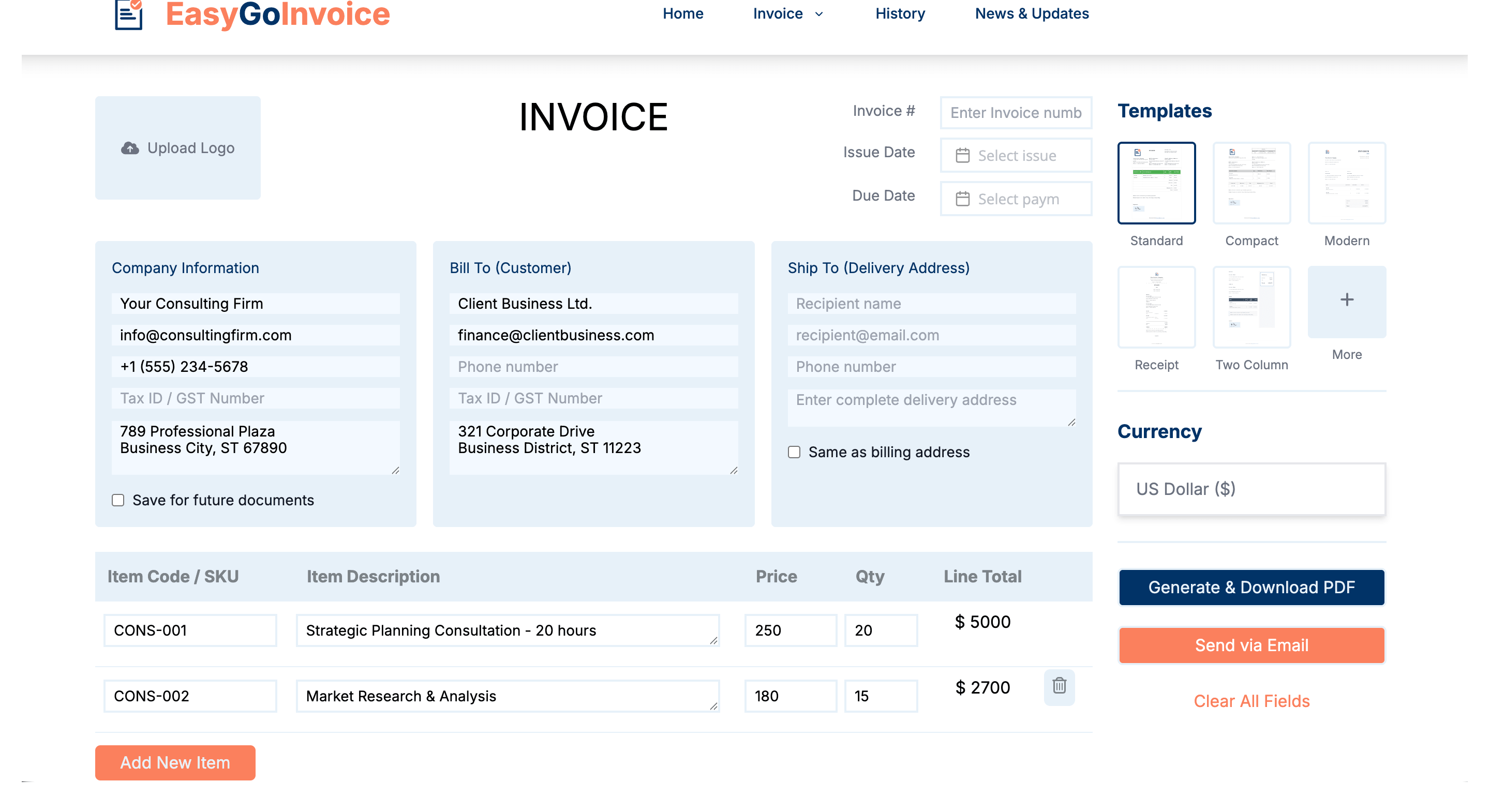
What you get:
- No signup required
- Quick invoice creation
- GST invoice support
- Quotes and estimates
- PDF downloads
- Works well on mobile
- Invoice history saved in your browser
- A simple, uncluttered dashboard
Why people like it: Your invoice data stays in your browser, not on someone else's servers. That usually means faster loading, fewer privacy worries, and no dependency on remembering a password just to send a bill.
Pricing: Free for everyday invoicing. No push to upgrade before you can send a basic invoice.
What makes it different: A lot of tools want you inside their cloud, their subscription, and their dashboard before you do anything useful. EasyGoInvoice is built around the opposite idea: open the site, make the invoice, download the PDF. That's the whole loop.
2. Zoho Invoice
Good fit for: Teams that already use Zoho or need invoicing tied to automation and integrations.
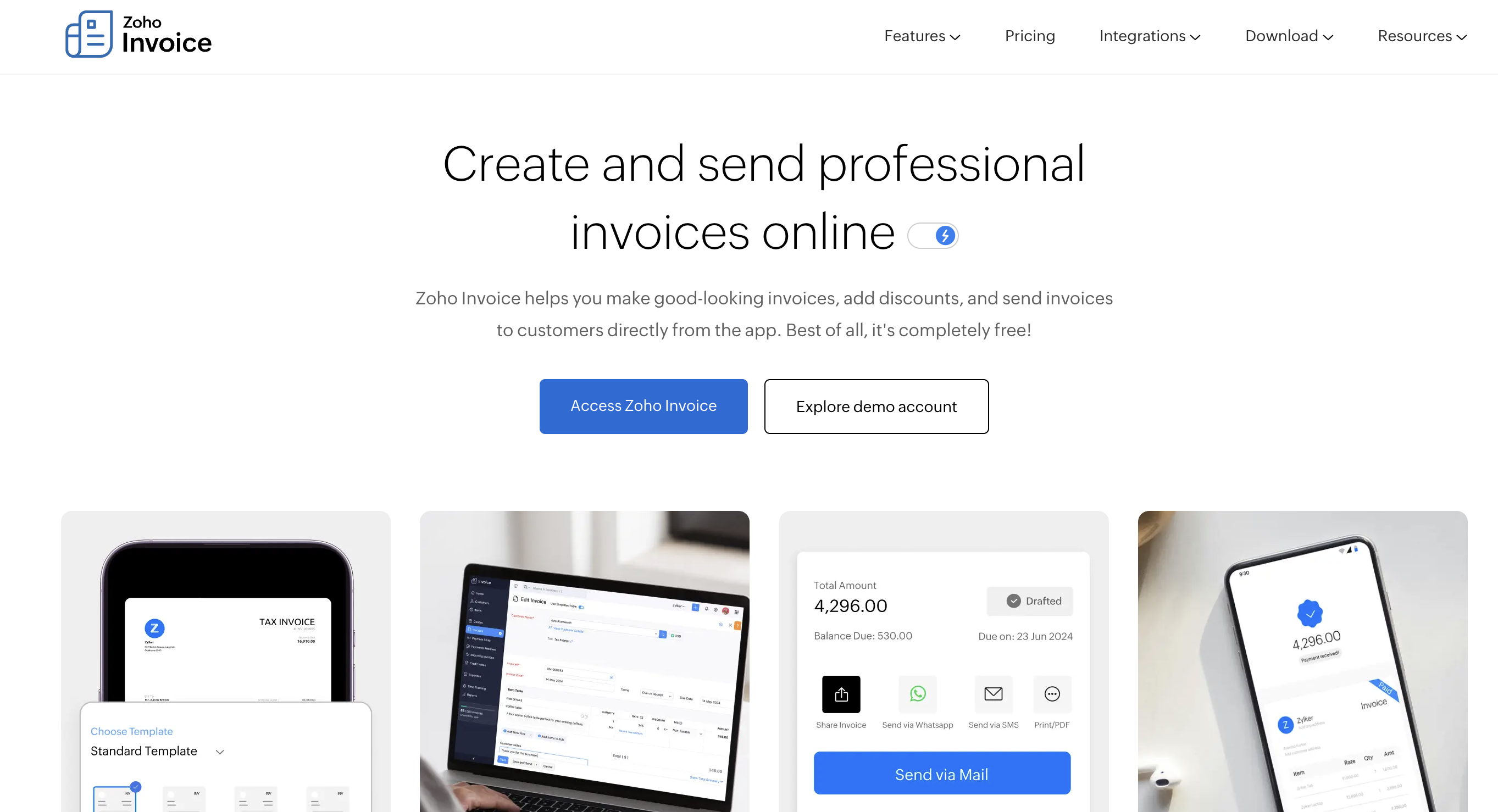
Zoho Invoice sits inside the wider Zoho world. It does more than a simple generator: recurring invoices, payment hooks, expense tracking, customer portals, and cloud sync across devices.
Trade-offs: You need an account. Setup takes longer than a one-off PDF tool. If you only send a few invoices a month and don't need the ecosystem, it can feel like more software than you need.
3. Invoice Simple
Good fit for: People who live on their phone and want to invoice from an app.
Invoice Simple is built around mobile billing: templates, PDF export, and payment reminders on the go.
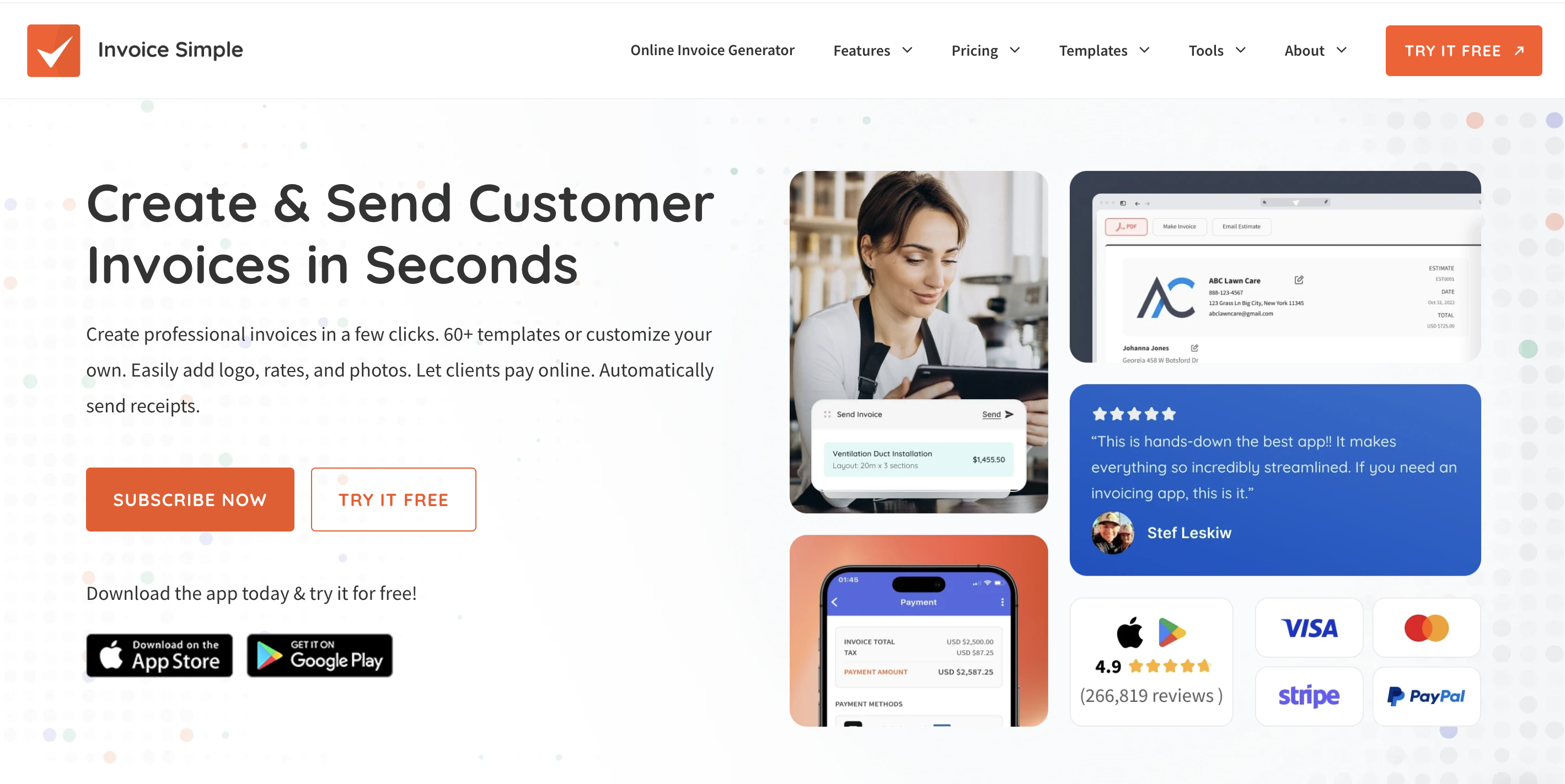
Trade-offs: You'll sign up for an account. The free tier is limited, and fuller features tend to sit behind a subscription. Everything lives in the cloud, which is fine if you want sync everywhere, less ideal if you want the lightest possible tool.
4. HISAB.CO
Good fit for: Indian businesses that want invoicing inside a broader accounting and inventory stack.
HISAB.CO mixes GST billing with inventory, reports, and bookkeeping. That's helpful when you're running stock and books in one place.
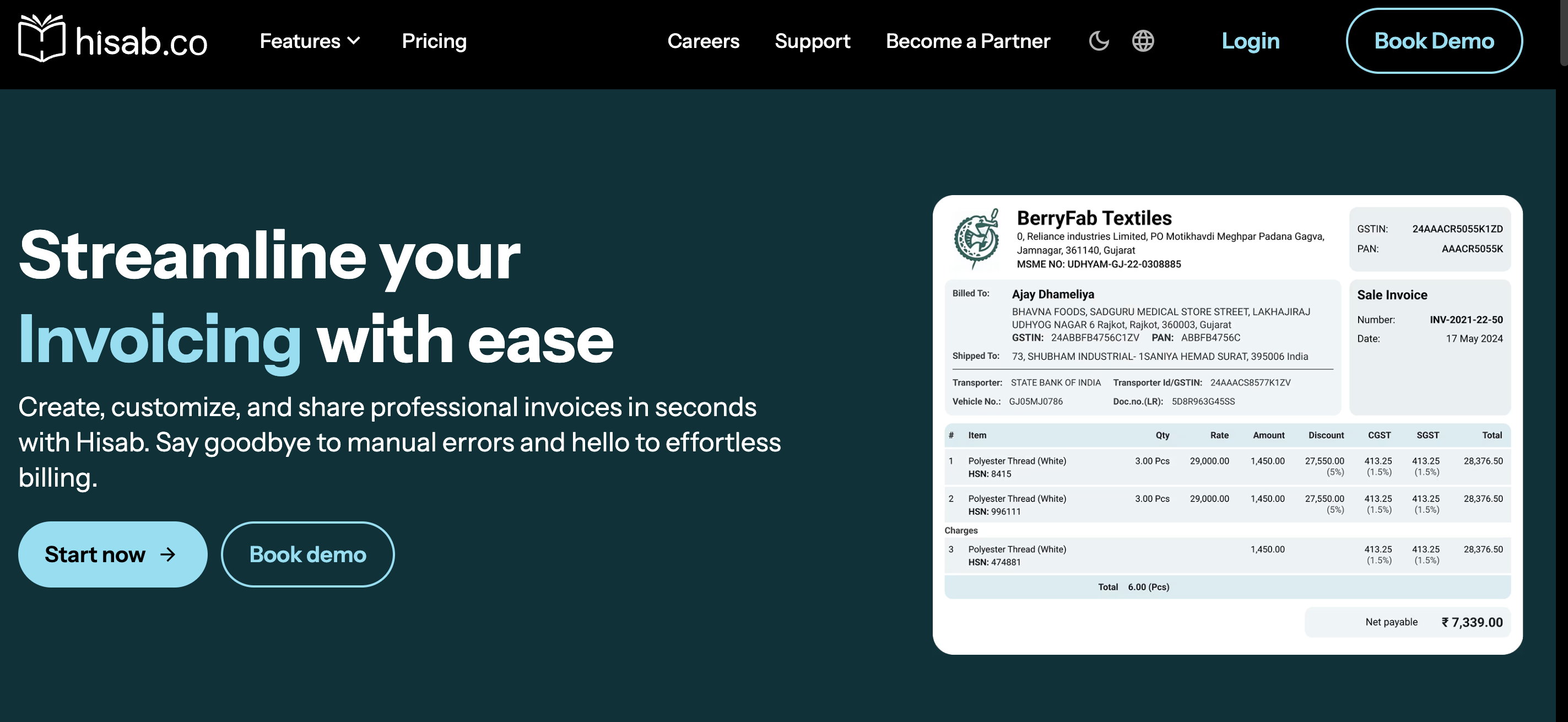
Trade-offs: The interface and learning curve are heavier than a plain invoice generator. If you only need a clean bill sent today, it can feel like carrying a full accounting suite for a simple task.
5. OnlineInvoices
Good fit for: Anyone who mainly wants a template to fill in and print.
OnlineInvoices offers classic online templates and basic editing. It gets the job done when your needs are simple.
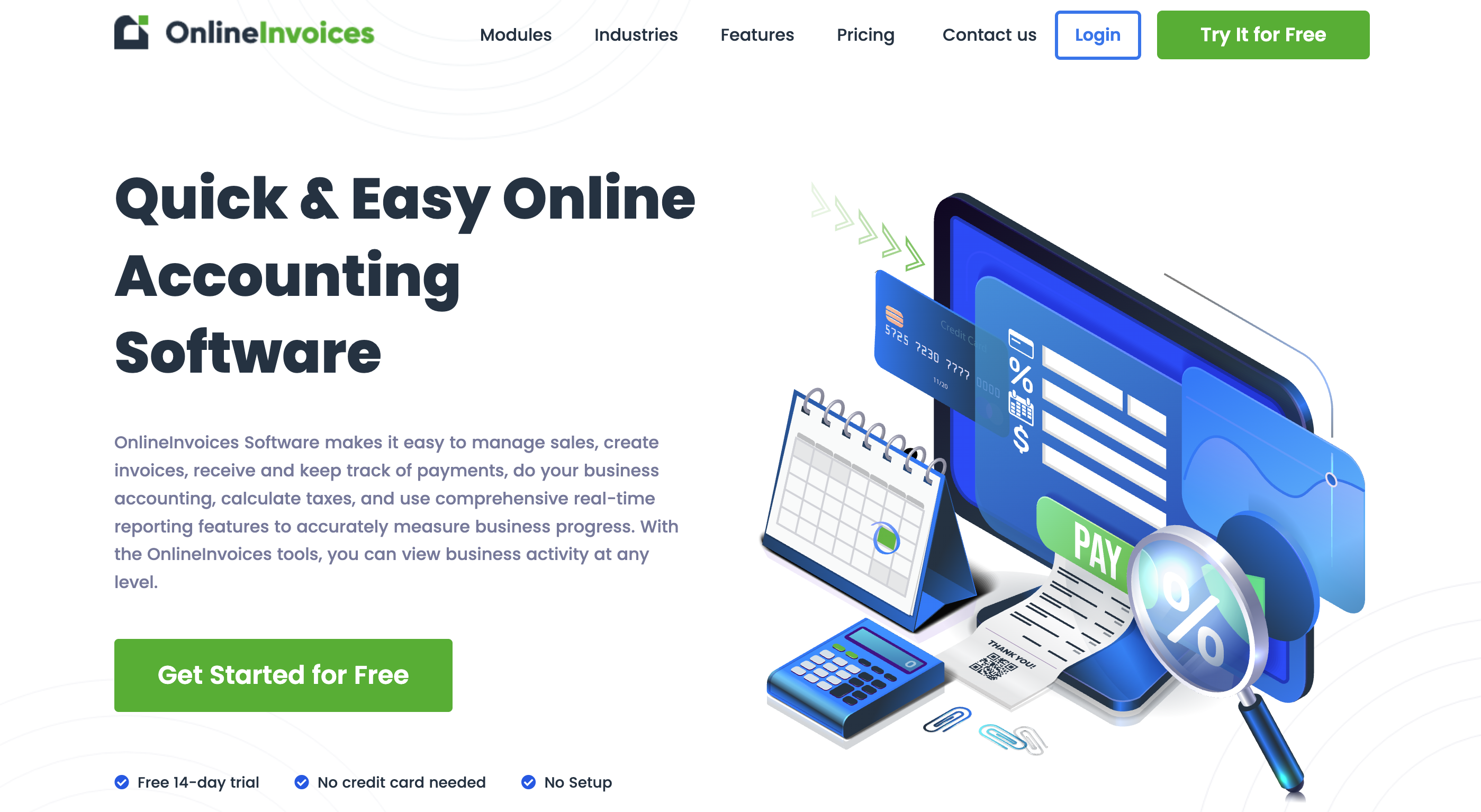
Trade-offs: The experience feels older next to newer tools. Customization and workflow polish are more limited, so power users may outgrow it quickly.
Side-by-side comparison
| Tool | No signup | GST support | Privacy focus | Cloud required | Best for |
|---|---|---|---|---|---|
| EasyGoInvoice | Yes | Yes | Strong (local browser) | No | Fast, private invoicing |
| Zoho Invoice | No | Yes | Moderate | Yes | Automation and integrations |
| Invoice Simple | No | Limited | Lower | Yes | Mobile-first billing |
| HISAB.CO | No | Yes | Moderate | Yes | Accounting plus inventory |
| OnlineInvoices | Partial | Limited | Lower | Yes | Basic templates |
How to pick the right tool
Pick Zoho Invoice if you need recurring billing, deep integrations, team features, or you're already invested in Zoho products.
Pick HISAB.CO if GST invoicing is one piece of a bigger accounting and inventory picture.
Pick Invoice Simple if you invoice mostly from your phone and prefer an app-first habit.
Pick EasyGoInvoice if you want to open a tab, create an invoice, and download a PDF without creating an account. It's built for speed, a light workflow, GST when you need it, and keeping your data close to you in the browser.
A quick note on EasyGoInvoice
We're obviously biased here, but the gap we kept hearing about is real: many tools treat invoicing as the on-ramp to a subscription and a cloud account. EasyGoInvoice was built for people who just need a professional invoice out the door.
You can create one in minutes, keep history in your browser, download PDFs quickly, and skip signup entirely. For freelancers and small teams who don't want billing software to become another system to manage, that simplicity is the point.
Final thoughts
No single tool wins for everyone. Zoho and HISAB.CO make sense when you need automation, teams, or full books. Invoice Simple fits a mobile-heavy routine. OnlineInvoices works when templates are enough.
If your main goal is simple: send a clear, professional invoice without signing up for another platform, EasyGoInvoice is worth trying first. It's free to use, quick to learn, and aimed at freelancers, consultants, startups, and small businesses who'd rather invoice and get back to work.